
Dashboard
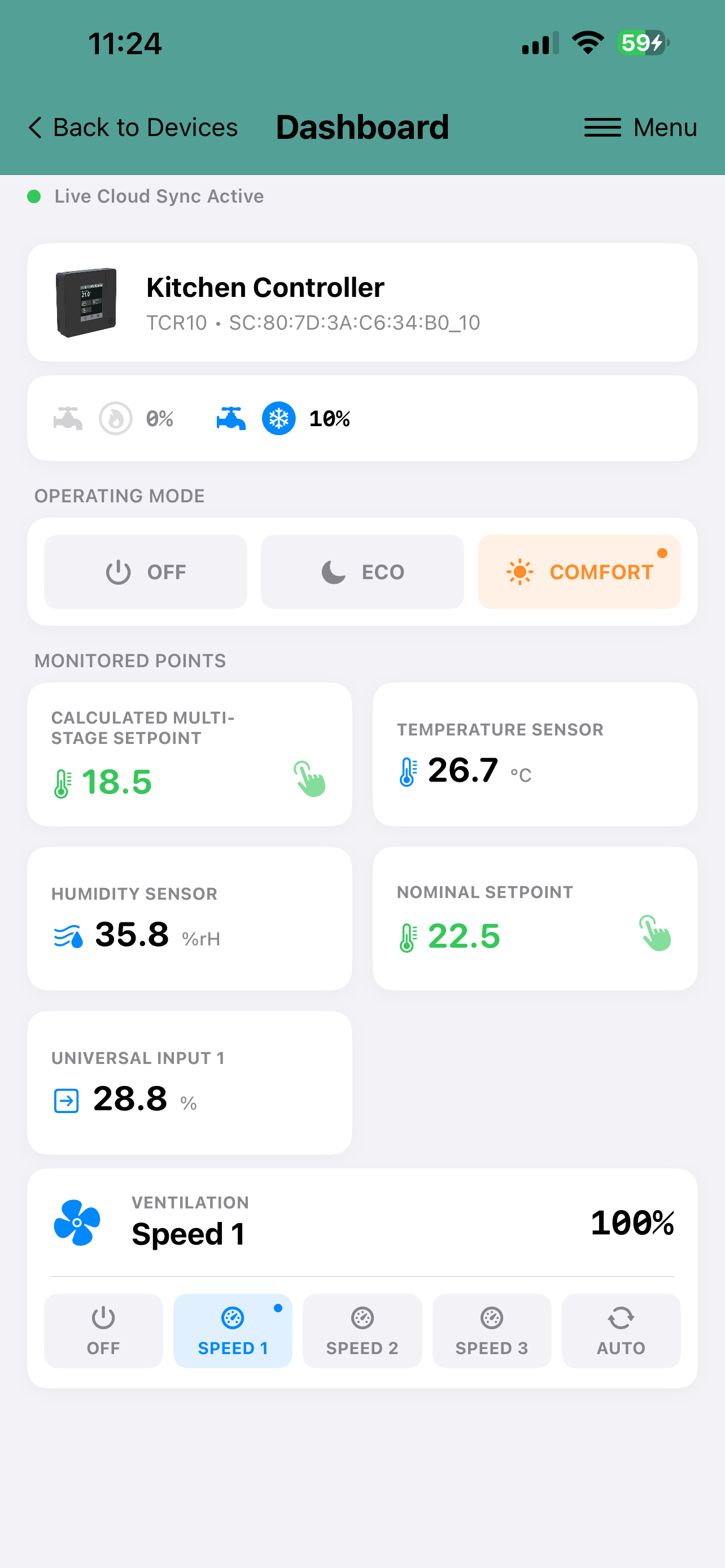
Device dashboard displays the current measurements and settings of the device. From dashboard the setpoints and other settings can be adjusted. Typically these include the temperature setpoint, fan speed and the operating mode (occupied mode or off mode). The exact content of the display depens on the product model and on its configuration.
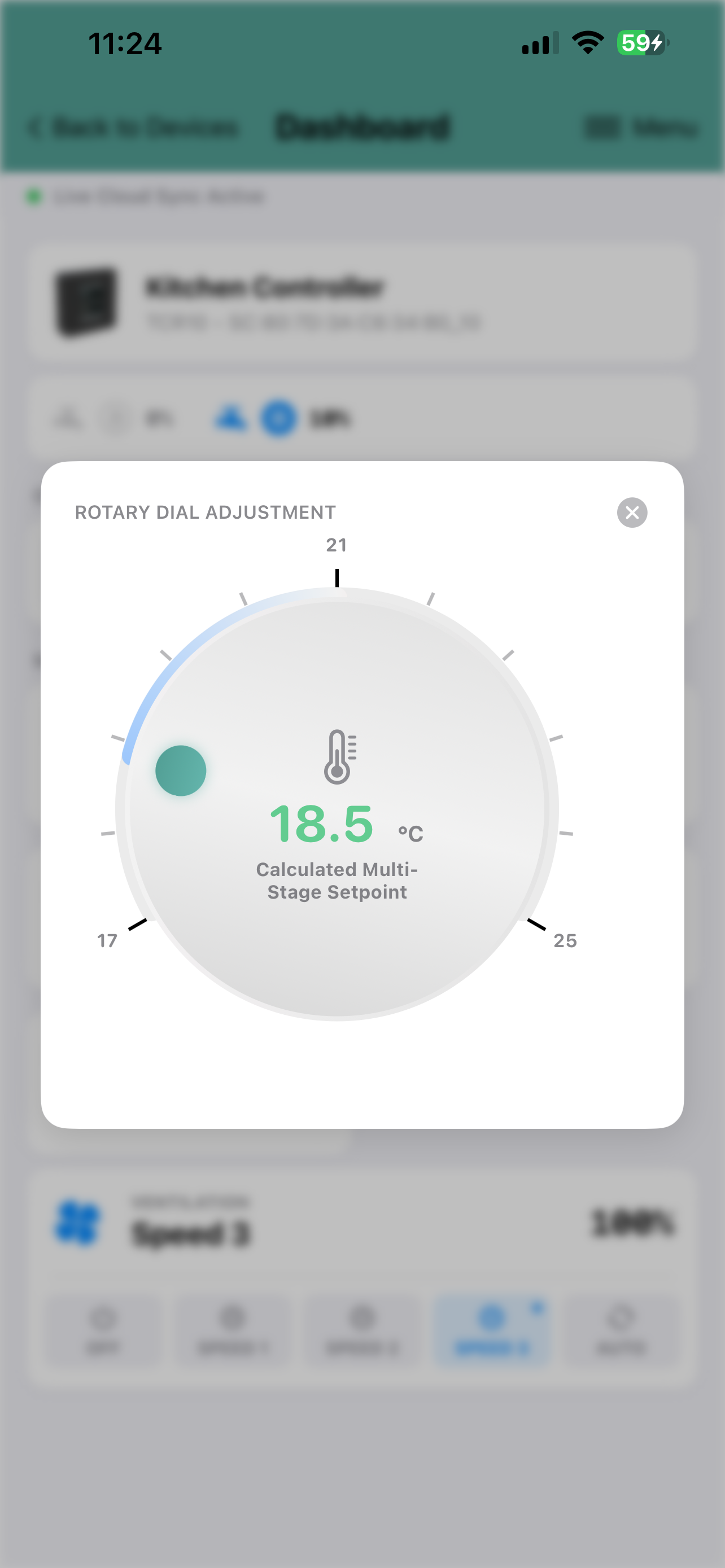
By pressing - for example - the current temperature setpoint, the temperature setpoint can be adjusted for that controller/thermostat/sensor. To chnage the operating mode just select the required operating mode.
The app sends the new settings to the SmartView Cloud server. When SmartView cloud server detects chnage in the setting it will immediately transmit the new value to the device.
To customise the name of the device, select from the Menu 'Customise View', and the 'Location Name' i.e. the device name can be changed.
 |
 |
|
Dashboard Example |
Adjusting Temperature Setpoint |
No comments to display
No comments to display